CelTween — Motion Tween for Aseprite
A downloadable tool
Stop hand-placing every frame of a slide, drop or fade.
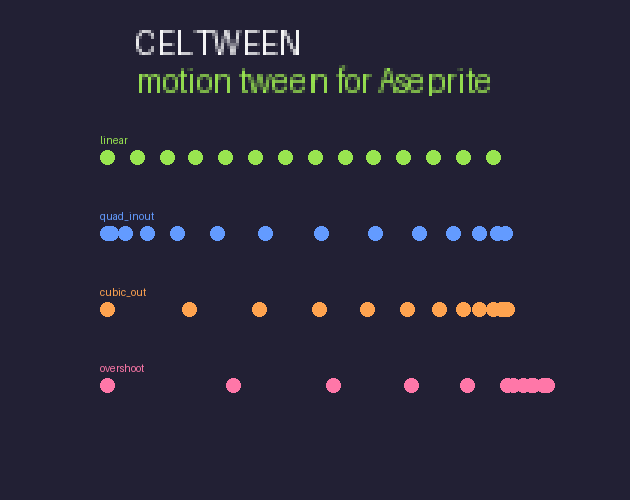
CelTween tweens the active cel across frames — position and opacity, with real easing curves — the way animation software does it, inside Aseprite.
Features
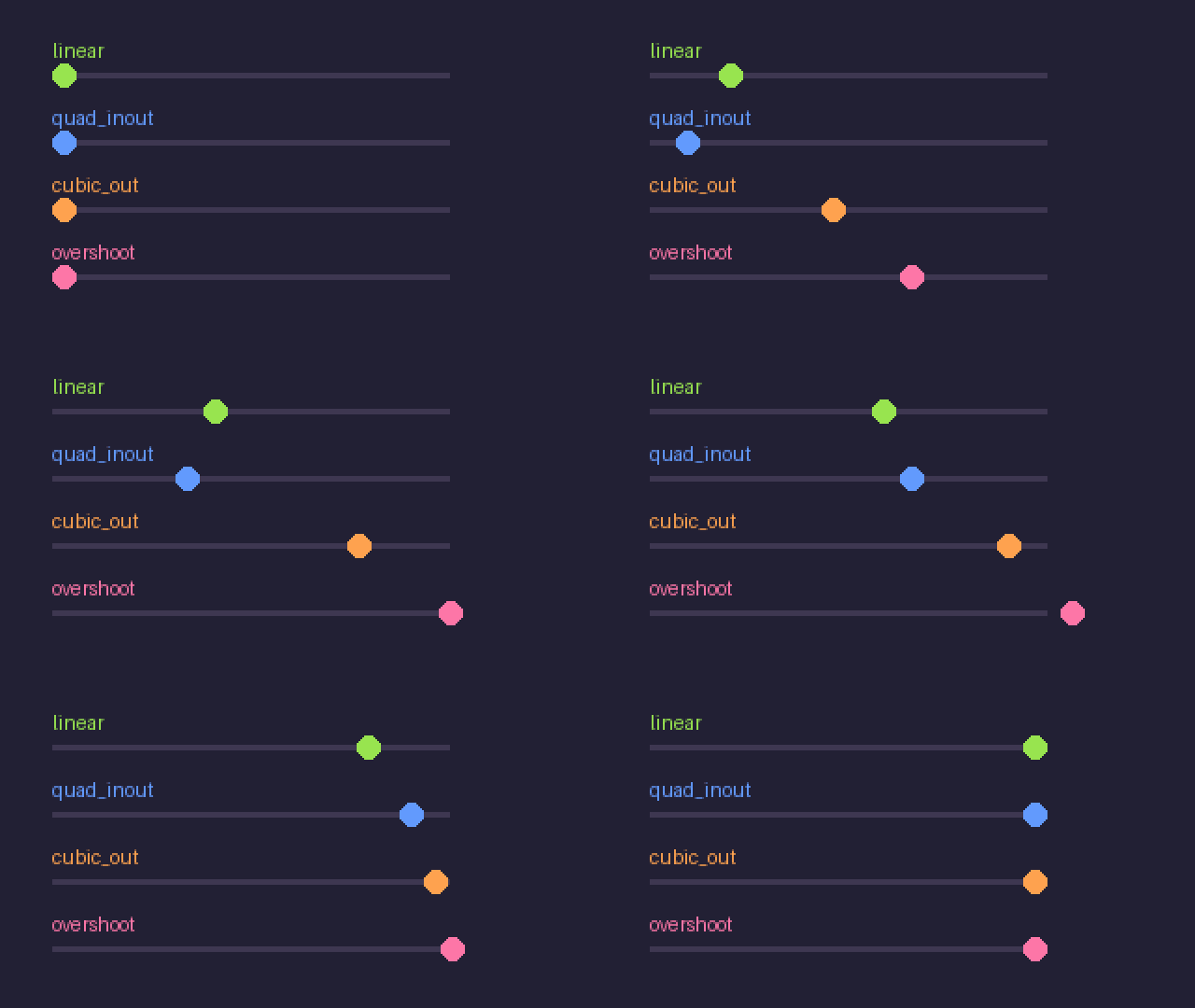
- 8 easing curves: linear, quad/cubic in, out and in-out, plus overshoot for that springy landing
- Position and opacity tweened together, or either on its own
- One undo — the whole tween is a single transaction, so one Ctrl+Z puts it back
- Auto-extends the timeline if you tween past the last frame
- Overwrite or preserve existing in-between cels
How it works
- Select the cel you want to move.
- Run Frame → CelTween: Tween Cel.
- Set the target frame, the X/Y offset, an easing curve and optional opacity fade. Apply.
Install
Double-click the .aseprite-extension file, or Edit → Preferences → Extensions → Add. Requires Aseprite 1.3+.
Support
Bug reports and requests are welcome in the comments. Made by SpriteWright — see also AutoBlob, the blob tileset generator.
Transparency: CelTween’s code is AI-assisted, disclosed via itch’s AI tagging. It generates no imagery — it only moves the pixels you drew.
Purchase
In order to download this tool you must purchase it at or above the minimum price of $4.99 USD. You will get access to the following files:
Leave a comment
Log in with itch.io to leave a comment.